
JeetCity Login: Log In to Your Account in Seconds
Enter your username and password on the JeetCity official website or open the mobile app to reach your account in under 10 seconds. After verification, log in any time to access sports betting on the AFL, NRL and English Premier League, casino games from Pragmatic Play and Evolution Gaming, your active bonuses and your full transaction history. Every session runs on SSL encryption, with optional two-factor authentication (2FA) for an extra layer of protection.
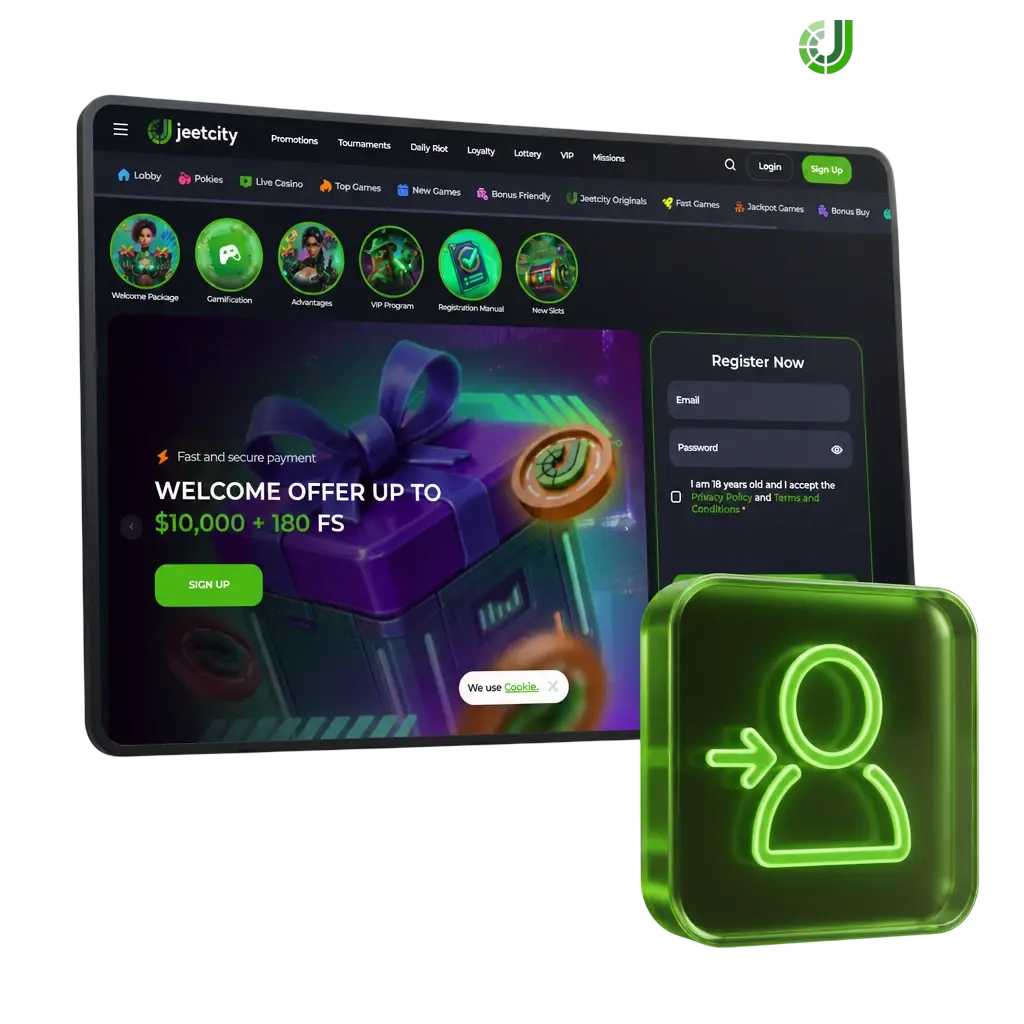
How to Sign In to Your JeetCity Account: Step-by-Step
Click the “Log In” link in the top right corner of the homepage.
Enter the email address or username from your registration.
Type your password into the password field.
Enter your 2FA code if two-factor authentication is active on your profile.
Select “Log In” again to open your account dashboard.
Fast Access via Social Login
Bypass the password field and reach your account through your existing Google, Telegram or Facebook profile. This method runs on encrypted OAuth authentication, takes one click, and syncs automatically with your existing JeetCity account, with no duplicate profile created.
Log In with Google
Your Google account credentials verify your identity, without a separate password to remember.
- Click the Google icon on the login screen.
- Select the Google account linked to your registration.
- Confirm access when prompted by Google.
- Land on your account dashboard.
Log In with Telegram
Telegram login uses your existing chat app credentials and a one-time confirmation code sent to your Telegram account.
- Tap the Telegram icon on the login page.
- Confirm the login request inside your Telegram app.
- Enter the code if prompted.
- Access your account instantly.
Log In with Facebook
Facebook login pulls your verified profile details and connects them to your account in one step.
- Select the Facebook icon on the login page.
- Enter your Facebook credentials if not already signed in.
- Approve the connection request.
- Reach your account dashboard.
Can’t Log In? Reset Your Password
Click “Forgot Password?” below the login field to start recovery. Enter the email address or phone number from your registration to receive a reset link or one-time verification code (OTP) within 60 seconds. If your JeetCity account login isn’t working after that, check your spam folder for the recovery message.
Possible JeetCity Login Problems and Solutions
Login issues happen for a handful of reasons. Here’s how to solve the most common ones.
- Incorrect password: Click “Forgot Password?” and reset it with your registered email or phone number.
- Account locked after failed attempts: Wait 15 minutes, then try again, or contact live chat for immediate unlocking.
- 2FA code not received: Check your authenticator app clock is synced, or request a new code via SMS.
- Browser cache errors: Clear your browser cache and cookies, then reload the login page.
- Unverified account: Complete KYC verification by uploading your ID and proof of address in your profile settings.
How to Reset Your JeetCity Password
Password recovery takes under two minutes with either your email or phone number on file. Both options generate an instant reset link or OTP code.
- Click “Forgot Password?” on the login page.
- Choose to receive your code via email or SMS.
- Enter the 6-digit OTP code or click the link sent to you.
- Create a new password with at least 8 characters, one number and one symbol.
- Log in with your new password.
New to JeetCity? Create Your Account
Registration takes under a minute and triggers a 100% deposit match up to AUD 500 plus 150 free spins on your first deposit. Create your account now and start playing pokies, live dealer tables and sports markets.
FAQ
How long does login verification take?
Standard login takes under 10 seconds once your credentials are entered correctly. Account verification (KYC) for new profiles typically completes within 24 hours.
Can I log in from multiple devices?
Yes. Log in from your desktop browser, mobile browser or the JeetCity app using the same username and password.
Is two-factor authentication mandatory?
2FA is optional but recommended. Enable it in your account security settings for an added layer of protection.
What should I do if my account gets locked?
Wait 15 minutes and try again, or contact live chat support, available 24/7, for immediate assistance.
Do I need to verify my identity every time I log in?
No. Identity verification (KYC) happens once, during your first withdrawal request or account setup on JeetCity.
Updated: