
Log In to Your JeetCity Account
Accessing your JeetCity account takes seconds, available 24/7 via the official website or the dedicated mobile app on iOS and Android. Enter your registered email or mobile number and password to sign in, with optional two-factor authentication (2FA) adding an extra layer of security to your profile. Once in, you have immediate access to sports betting markets, casino games, active bonuses, and your full transaction history.
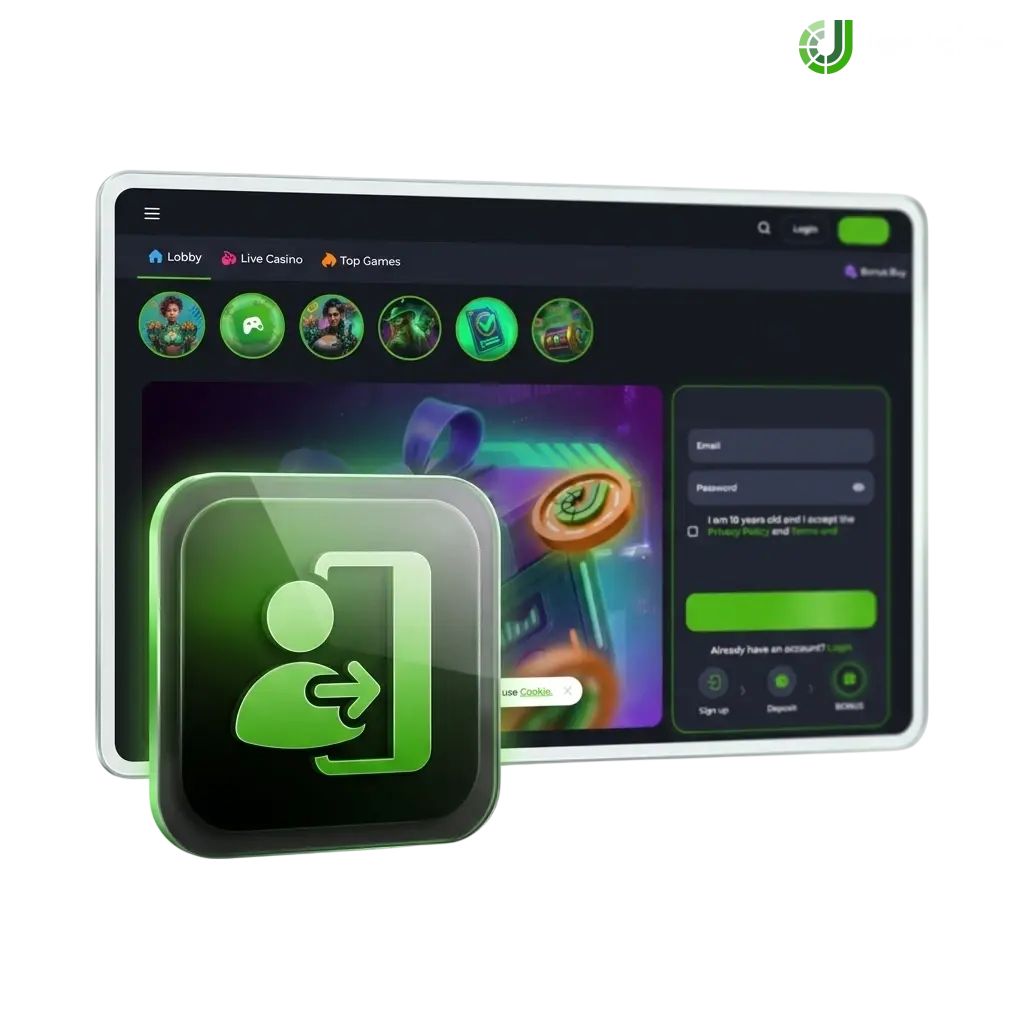
How to Log In to JeetCity: A Step-by-Step Guide
The sign-in process on the official site takes under 30 seconds. Follow the steps below to access your account.
Click the Log In button
Click the Log In button located in the top-right corner of this page to open the JeetCity account login screen.
Enter your email or mobile number
Enter the email address or mobile number linked to your registered profile in the first field.
Type your password
Type your password in the second field. Use the eye icon to toggle visibility if needed.
Enter the OTP if two-factor authentication is enabled
If you have two-factor authentication enabled, enter the 6-digit OTP sent to your registered device.
Click Sign In
Click Sign In to complete the process and land directly on your account dashboard.
Fast Access via Social Networks
You can log in without entering a password by connecting through an existing social media or service account. JeetCity supports Google, Telegram, and Apple ID for one-click sign-in. Each integration is fully encrypted, automatically syncs with your existing profile, and never creates a duplicate account.
Sign In with Google
Using your Google account is the fastest way to access JeetCity without typing credentials. Your session is secured via Google’s OAuth 2.0 protocol, so no password is stored on the platform.
- Click the Log In button on this page.
- Select the Continue with Google option on the sign-in screen.
- Choose your verified Google account from the list or enter your Gmail address.
- Confirm access. You will be redirected instantly to your JeetCity dashboard.
Sign In with Telegram
The Telegram login option lets you authenticate using your active Telegram account in a single step. No SMS code or password is required once Telegram is linked to your profile.
- Click the Log In button at the top of this page.
- Select Continue with Telegram from the available options.
- Approve the login request that appears in your Telegram app.
- Your account will load immediately upon confirmation.
Sign In with Apple ID
Apple ID login is available for users on iOS and macOS devices, offering Face ID or Touch ID authentication for maximum security. Your email address is never shared with the platform when using the Hide My Email feature.
- Tap the Log In button on this page or in the JeetCity mobile app.
- Select Continue with Apple.
- Authenticate using Face ID, Touch ID, or your Apple ID password.
- You are signed in and directed to your account dashboard immediately.
Can’t Log In? Reset Your Password
If you have forgotten your password, the recovery process takes under two minutes. Click the Forgot Password? link on the sign-in screen, enter your registered email or phone number, and a reset link or one-time verification code (OTP) will be sent to you straight away. If the recovery email does not appear within 60 seconds, check your spam or junk folder before requesting a second code.
Possible Account Login Problems on JeetCity and Their Solutions
A small number of issues can block access to your account. The table below covers the most common problems and the practical steps to resolve each one.
| Problem | Solution |
|---|---|
| Incorrect password entered | Use the Forgot Password? link to generate a new one via your registered email or phone number. |
| Account temporarily locked after multiple failed attempts | Wait 15 minutes before trying again, or contact support via live chat to lift the restriction manually. |
| Two-factor authentication (2FA) code not arriving | Check that your registered mobile number is active and has signal. Request a new OTP after 60 seconds. |
| Browser not loading the login screen | Clear your browser cache and cookies, then reload the page. Alternatively, switch to the JeetCity mobile app. |
| Account suspended or restricted | Contact the support team via live chat or email. Provide your registered email address to verify your identity and receive guidance. |
Can’t Log In? How to Reset Your Password
Password recovery on JeetCity is handled directly through the site, with no need to contact support for a standard reset.
- Click the Forgot Password? link displayed on the sign-in screen of this page.
- Enter your registered email address or mobile phone number in the field provided. Both recovery methods are accepted.
- Check your inbox or SMS messages for a reset link or a 6-digit OTP, which is typically delivered within 60 seconds.
- Click the reset link or enter the OTP on the verification screen. If using email recovery, check your spam folder if the message does not appear promptly.
- Create a new password that meets the minimum security requirements (at least 8 characters, including one uppercase letter and one number), then confirm it to complete the process.
New to JeetCity? Create an Account Here
Registration takes less than 60 seconds and immediately activates your access to an exclusive welcome package, including a deposit bonus on your first top-up. Complete your account setup now and start playing casino games, placing sports bets on Australian NRL and AFL markets, and claiming your first offer.
FAQ
Is the JeetCity login process the same on mobile and desktop?
Yes. The sign-in steps are identical on both the desktop site and the mobile app. The mobile app also supports biometric login (Face ID or fingerprint) for faster access on supported devices.
Can I stay logged in between sessions?
Yes. Tick the Remember Me option on the sign-in screen and your session will remain active on that device. For security, this option should only be used on a personal, private device.
How do I enable two-factor authentication on my account?
Navigate to your account security settings after signing in. Select the 2FA option and follow the on-screen steps to link your mobile number or an authenticator app.
My account shows as unverified after logging in. What does this mean?
An unverified status indicates that your KYC documents have not been submitted or approved yet. Upload a valid government-issued ID and proof of address through the verification section in your profile to lift any withdrawal restrictions.
Which devices are supported for the JeetCity sign-in process?
The platform is accessible on any device running a modern browser, including Chrome, Safari, Firefox, and Edge. The dedicated mobile app is available for iOS (version 13 and above) and Android (version 8 and above).
Updated: